This Back-to-School · Prevent proxy attendance

Stop students checking in for
their friends this term

OneTap blocks the shared QR codes, dorm sign-ins, and buddy check-ins behind fake attendance, so your roster only counts students who are physically in class.

Set Up Check-in Restrictions

Start attendance tracking in 5 minutes.

Signing in for three friends? Not anymore.
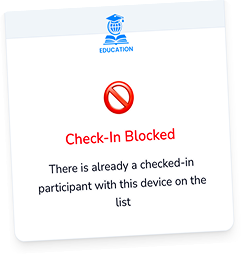
OneTap check-in blocked because this device already checked someone in
Check-in from dorm?
Nice try.
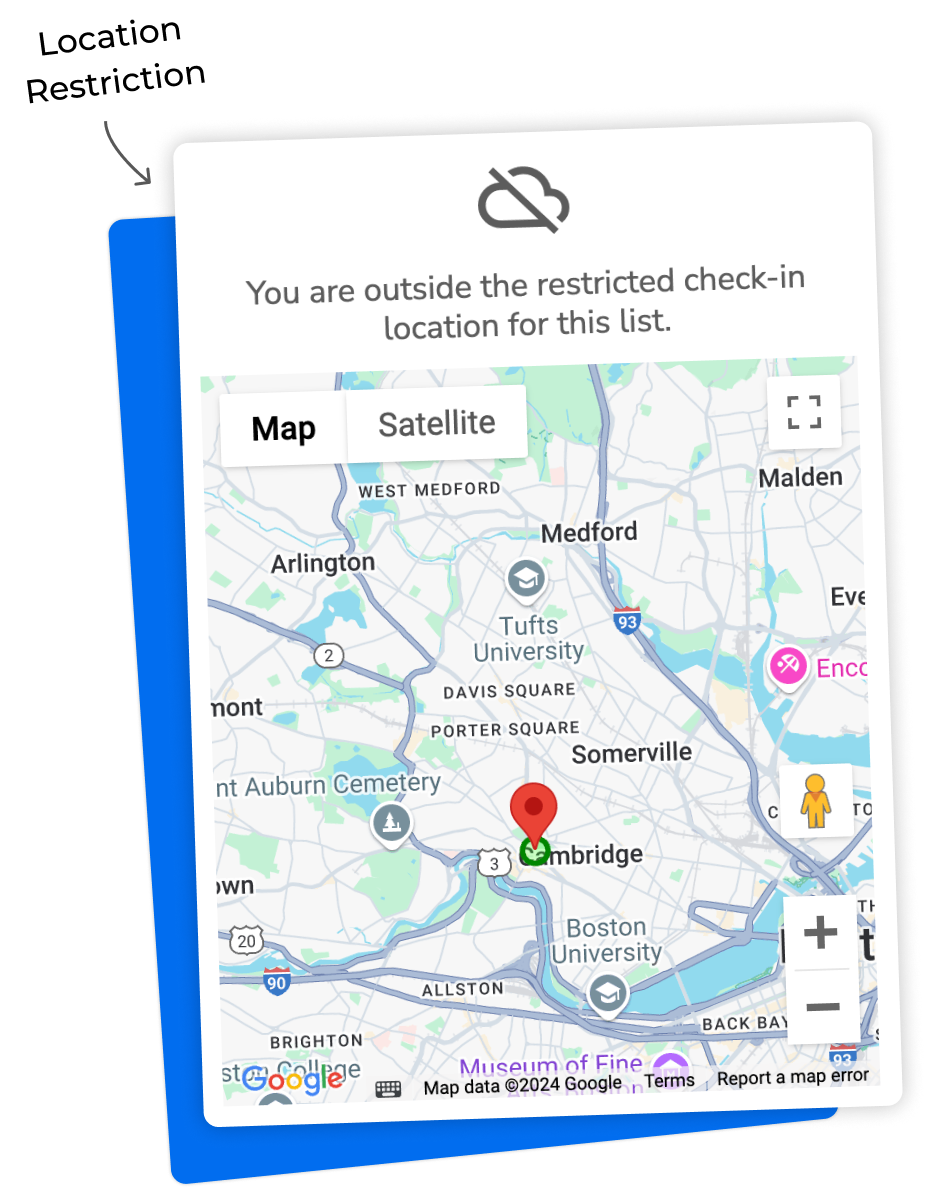
OneTap check-in blocked because the student is outside the allowed campus location
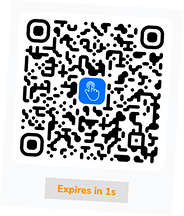
QR Refreshes every 20 seconds
OneTap QR code that refreshes every 20 seconds

★★★★★

“There’s nothing else that puts QR codes, location, and time limits in one place.” – Stacey, College Professor

Trusted by 50000+ schools, campuses, training programs & individuals

Why a “present” mark lies

A “present” mark is easy to fake.
The damage isn’t.

Fake attendance is easy to pull off. You mark the roster, the numbers look full, and half the seats are empty. Here’s exactly how students game it.

“Present!”

Buddy punching

They sign in for their friends.

One student grabs the iPad and taps through three absent mates. The sheet says full house.

class-qr.png

forwarded →

From the dorm

They check in from bed.

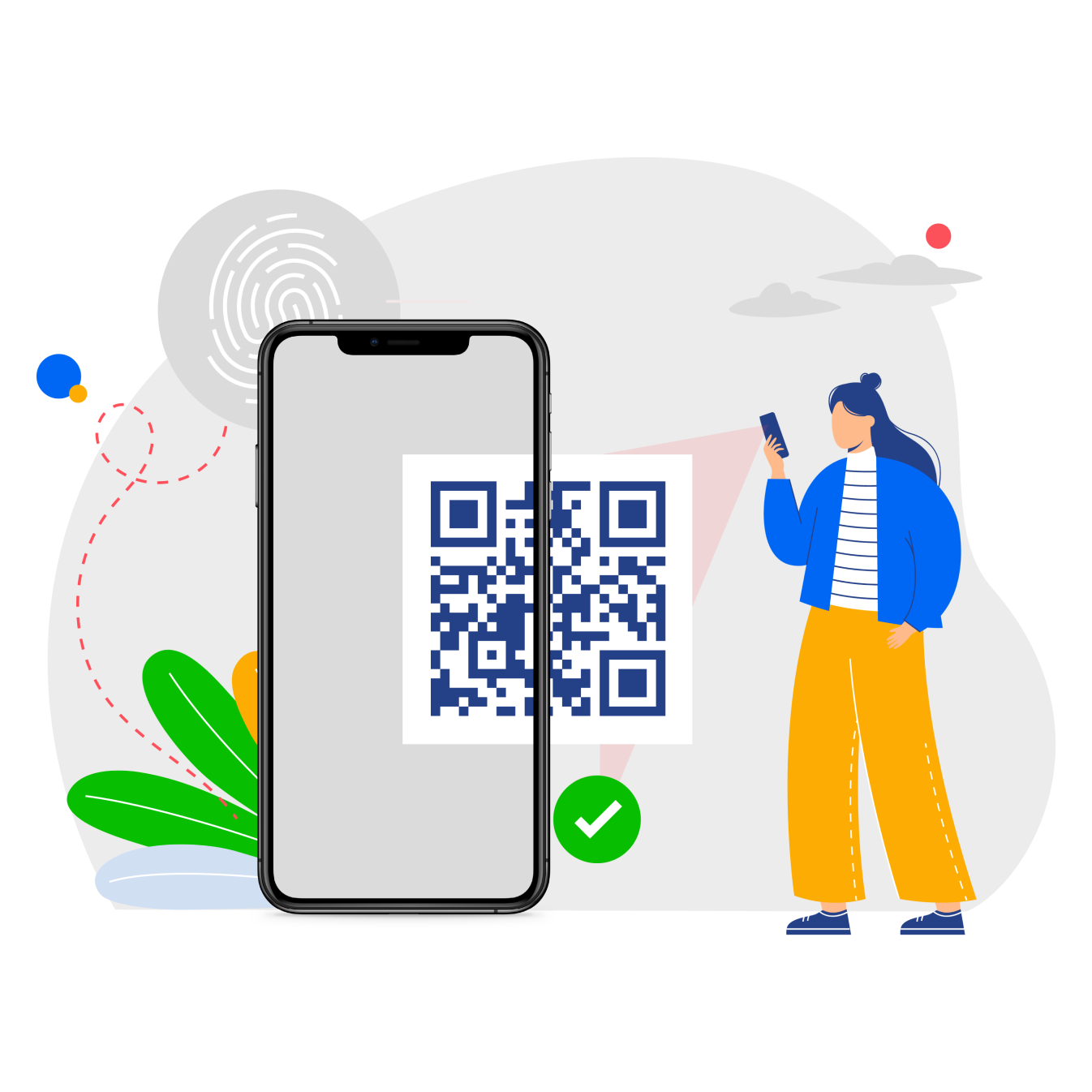
A QR photo lands in the group chat. Anyone can scan it from the dorm, the car park, or a café.

11:58 PMChecked in ✓
Class hours 9:00–10:00 AM

Odd hours

Midnight sign-ins.

A tap lands at 11:58 PM, hours after class ended. The timestamp looks valid, but nobody was in the room when attendance actually counted.

That same attendance data feeds grades, required hours, funding, and compliance reports, so a wrong number gets expensive fast.
“With some attendance apps, I’d get reports that all students had checked in, but in reality, the classroom was half empty.”
– Professor, Temple University

OneTap Check-in Restriction

Simple rules that keep
attendance honest.

OneTap’s digital attendance does more than a basic check-in. It stops proxy sign-ins, so you know the student is really in class.

Location restriction

They have to be in the building.

Draw a boundary around your campus, and OneTap blocks any check-in from outside it. A shared QR is useless from a dorm, a home, or an off-campus café.

Illustration of OneTap location-based check-in restriction
Device restriction

One phone, one check-in.

Tie each check-in to one device, so a phone passed down the row can’t count twice. One student can no longer sign in a whole line of absent friends.

Illustration of OneTap one-device check-in restriction
Time restriction

The clock decides, not the student.

Set the check-in window to your class time. It opens when the lecture starts and closes when you say. Anything too early or too late is rejected.

Illustration of OneTap class-time check-in restriction
Changing QR code

A new code every few seconds.

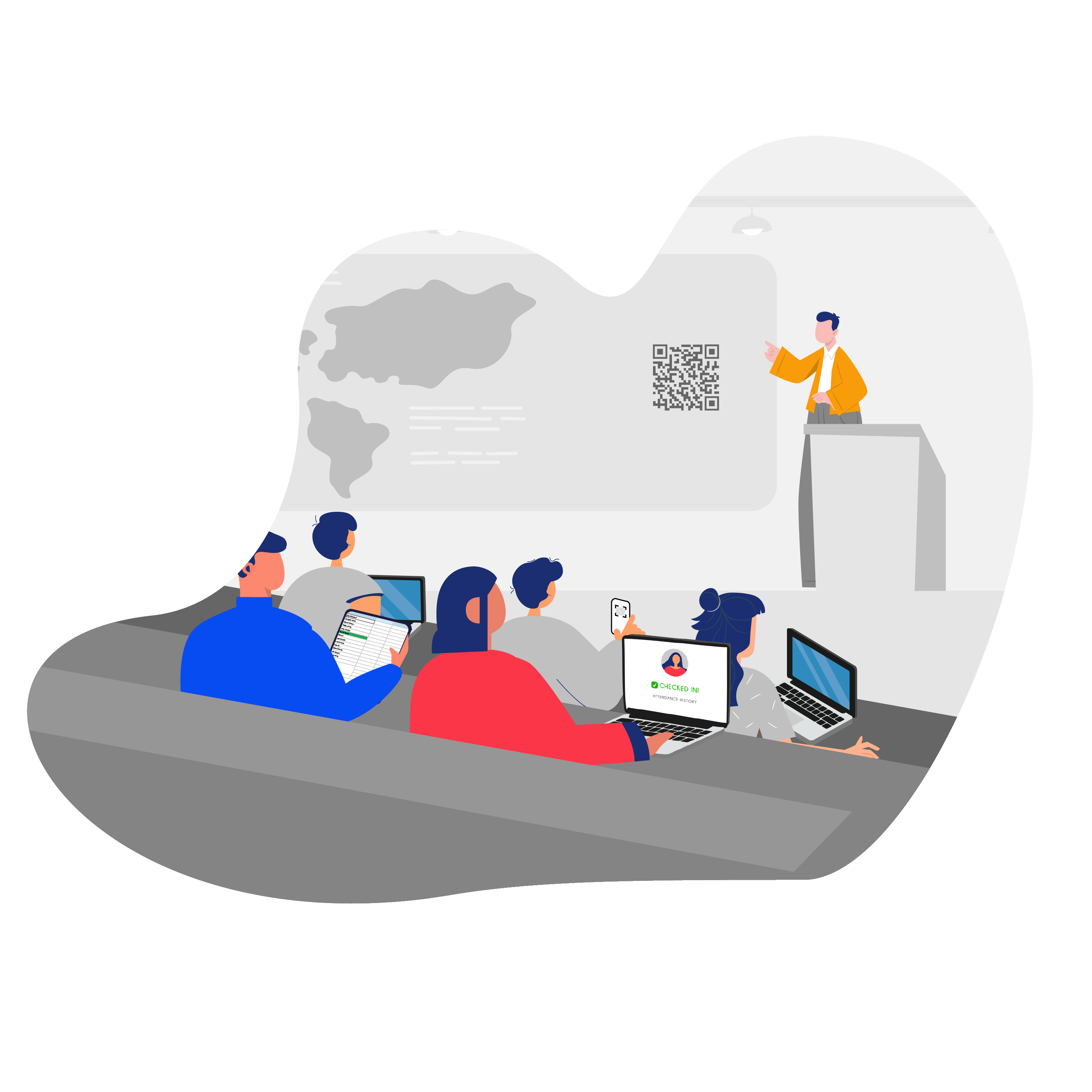
OneTap keeps a live code on the board that refreshes on its own. A screenshot expires before it reaches the group chat. To check in, a student has to be in the room, watching the screen.

Illustration of OneTap changing-QR check-in restriction
Location Attendance System by OneTapprevent student proxy attendancecheck-in with custom qr
“I like the geolocation and time restrictions. The more controls they have around it, the less able students are to work around the system.”
– Professor

Records that hold up

Accurate attendance data to maintain accreditation.

Export a clean report by month, term, or custom range the moment a dean or accreditor asks. No re-keying, no last-minute scramble.


Ask right from your phone

OneTap integrates with ChatGPT and Claude, so you can just ask:“Who didn’t check in last week?”Get the answer in seconds. Every record at your fingertips, no spreadsheet required.

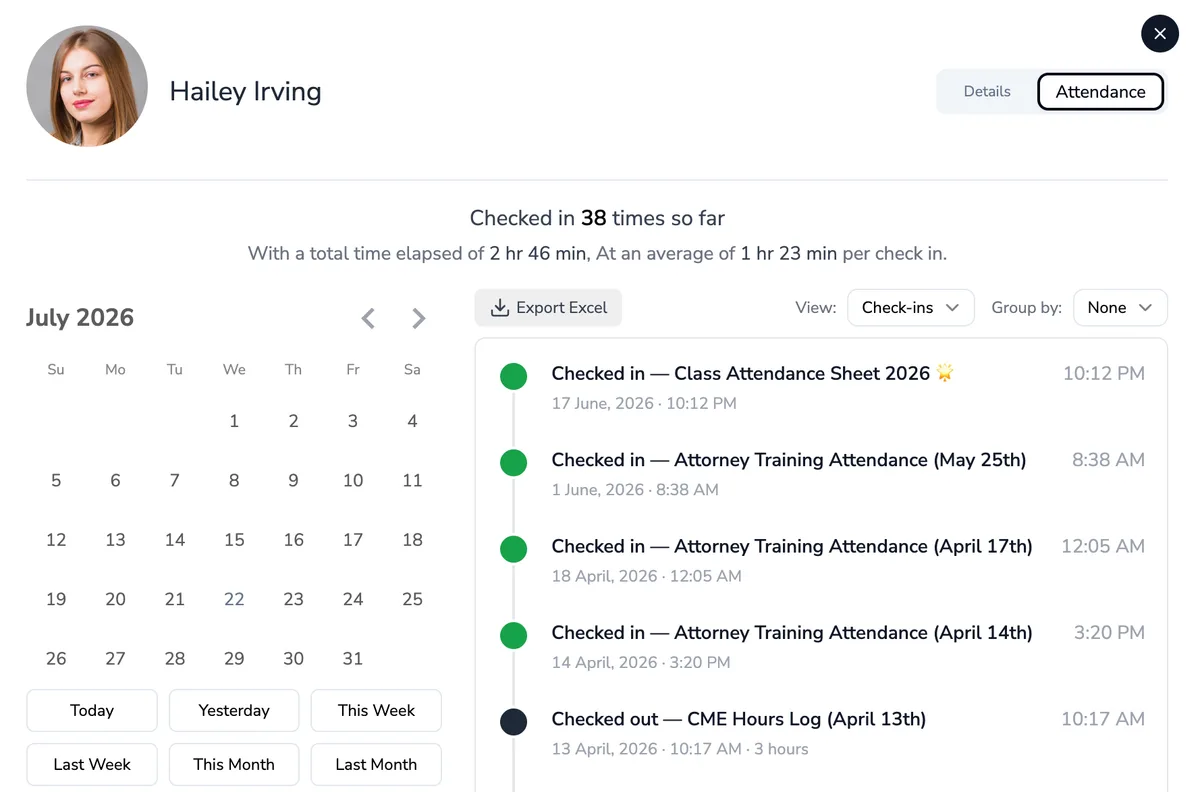
OneTap student attendance record: check-in history, calendar, and one-click Excel export

Why not a spreadsheet?

Anyone can type “present.”
OneTap makes them prove it.

CapabilityPaper / Excel / Google FormsOneTap
Blocks off-campus / dorm check-ins No location awareness Geofenced location rules
Enforces the class time window Any timestamp can be typed in Time & date restriction
Stops one phone signing in many Pass the sheet / share the link Device, browser & IP controls
Makes shared codes expire Static link/code forwarded forever Session-specific QR
Auto-tallies & exports for audits~ Manual re-keying, error-prone One-click Excel & PDF reports
Live view for co-teachers & admins Siloed per-teacher files Shared live dashboard

Keep your roster: import your existing Excel or CSV in seconds. No SIS migration, no IT project.

Fast to set up

Effortless for teachers.
Hard to cheat.

Put an iPad at the door or a QR on the board, pick your rules, and let students tap once. That’s the whole setup.

Step 1

Set it at the door

Import your roster, prop an iPad at the door, or drop the QR on your slides.

Step 2

Turn on your rules

Flip on location, time, one-device, and changing-QR restrictions. Set it once.

Step 3

Students tap. Done.

Only the right place, time, and device count. Pull any report in one click.

Get Started for Free

Free for up to 100 students. No credit card.

Security & privacy

Built for student privacy,
easy for IT to approve.

Straightforward data practices that make OneTap an easy yes for your classroom or your whole campus.

Secure student data

We handle student records in line with FERPA, and collect only what a check-in needs.

Stored in the US

Records live in US-based data centers and stay yours to export anytime.

SSO & admin access

Add co-teachers and admins, with SSO and access controls on eligible plans.

Free to start

Start free. Upgrade for
peace of mind.

Free for up to 100 students. Handle everyday check-ins for free and stop students from attendance cheating.

Free

$0

Trust your students? Skip the restrictions and just take a fast, paperless roll call.

  • 100 student profiles, free until Sept 1
  • QR & tap check-in on phone, iPad, web
  • Unlimited classes and sessions
  • One-click Excel & PDF reports
Start free

No credit card. No check-in restrictions.

Stops proxy attendance

Basic

$49.99 /month

Billed yearly. Everything in Free, plus the check-in restrictions that make proxy attendance impossible.

  • Location, device, time & changing-QR restrictions
  • 250 student profiles
  • 5 collaborators & shared live dashboard
  • 2,500 SMS alert credits
  • Unique QR passes for each student
  • Automate workflows by syncing with Zapier, n8n, Jotform, and other tools
Get started and upgradeCompare all plans & pricing

Rolling out across a whole school or campus? Talk to our team →

Frequently asked questions

How OneTap prevents proxy attendance, answered plainly.

How does OneTap prevent student proxy attendance for schools and colleges?+

Proxy attendance is when a student is marked present without actually being in class, usually when a friend checks in for them or a shared QR code gets forwarded.

OneTap stops it with four check-in restrictions: location, one-device, class-time, and a QR code that refreshes every few seconds. A check-in only counts when the right student is really in the room, so your records stay accurate and defensible for grading, funding, and accreditation.

Can students screenshot or share a QR code to check in?+

A shared screenshot won’t work. OneTap’s check-in QR code refreshes every few seconds, so a photographed or forwarded code expires before anyone else can use it. Combined with the location rule, an off-site scan is rejected outright.

Do students need to download an app to check in?+

No. For standard QR or check-in-link attendance, students use their phone’s browser, with no app or account required. An optional OneTap app is available when you want stronger device verification.

How does location-based (geofenced) check-in work?+

You set a geofence, a radius around your classroom or campus, and OneTap checks each student’s device location at the moment of check-in. Anyone outside that boundary, such as a student in a dorm or off campus, is blocked from marking attendance.

Can I use an iPad kiosk instead of students’ phones?+

Yes. You can set up an iPad at the door as a kiosk where students enter an assigned code or scan a personal QR. New registrations can be disabled and kiosk settings protected with a PIN.

How long does it take to set up OneTap for a class?+

About five minutes. Import your roster from Excel or CSV, choose how students check in (QR, tap, or an iPad kiosk), and switch on the restrictions you want. There’s no IT project and no student accounts to create, so most teachers are taking attendance the same day.

Is OneTap free, and how much is the paid plan?+

Yes. OneTap is free to start. As part of our <b>back-to-school offer</b>, the Free plan now includes all four anti-proxy check-in restrictions (location, one-device, class-time, and the changing QR code) at no cost, along with 100 student profiles, 3 collaborators, unlimited classes, QR and tap check-in on phone, iPad, or web, and one-click Excel and PDF reports.

The Free plan lets you use all four anti-proxy check-in restrictions free through September 1; after that they're part of the Basic plan at $49.99/month, billed yearly.
Set up your classes in 5 minutes, before term starts.Get Started for Free