A visitor management system records who comes into your building: it signs visitors in at the door, captures the details you need, tells the host their guest has arrived, logs the exit, and keeps a searchable record of every visit. It replaces the paper visitor book at reception. With OneTap the visitor scans a QR code or uses an iPad kiosk, and the system remembers them for their next visit, so signing in a second time takes seconds.
Five things: visitor registration at the door, a visitor badge or digital pass, a notification to the host, check-out, and a searchable visitor log you can export. OneTap does all five. Add custom fields to capture company, purpose of visit or a signed waiver, and every check-in is saved to the Sheet you are running plus the visitor's own profile for next time.
We use industry-standard security to protect your account, such as encrypted passwords, end-to-end secure HTTPS connections, secure sessions, and Google OAuth login. Our servers and databases are located in the United States North East Region.
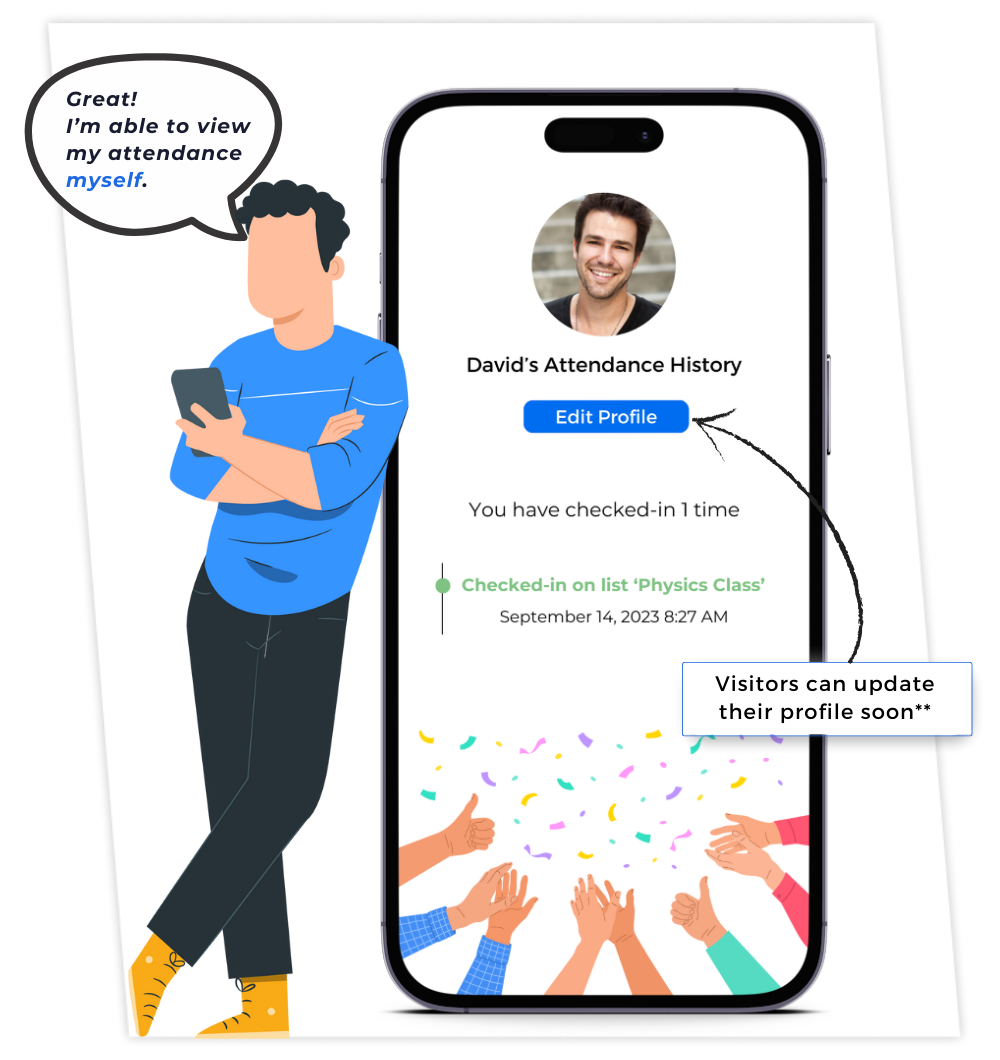
No. Visitors scan a QR code with their phone's own camera and sign in from the browser, or they tap through the iPad kiosk at your front desk — nothing to install, no account to create. Regular visitors who want to keep their pass and see their own check-in history can download the free OneTap Visitor App for iPhone or Android, but it is entirely optional and nobody is blocked without it.
Yes. OneTap's Individual plan is free forever for up to 20 visitor profiles, and it includes unlimited check-ins, the iPad kiosk, QR check-in codes and Excel uploads. Paid plans start at $49.99 per month, billed yearly, for 250 profiles. See all plans and pricing
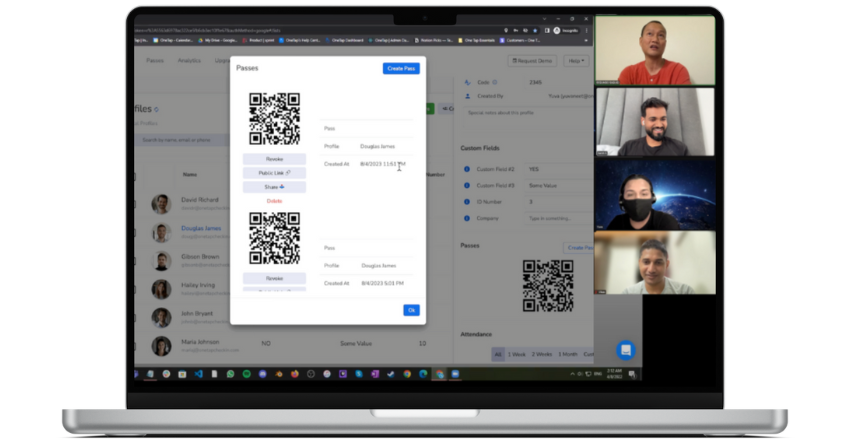
OneTap issues digital passes to Apple Wallet and Google Wallet rather than printing plastic or sticker badges, and on the Pro plan it can scan barcodes you already use, such as employee or student ID cards. It does not print badges, and it does not read or verify government ID documents such as a driver's licence. How QR code passes work
Open the live view and you see every visitor who has checked in and not yet checked out, on any device, updating in real time. That is the same list you would pull up on a phone during a fire drill or an evacuation, and you can export it afterwards.